API tokens
Connect scripts and apps to your Hecho account with the REST API.
The Hecho API lets your own scripts and tools read and change your tasks and projects. It uses a personal token that acts as you.
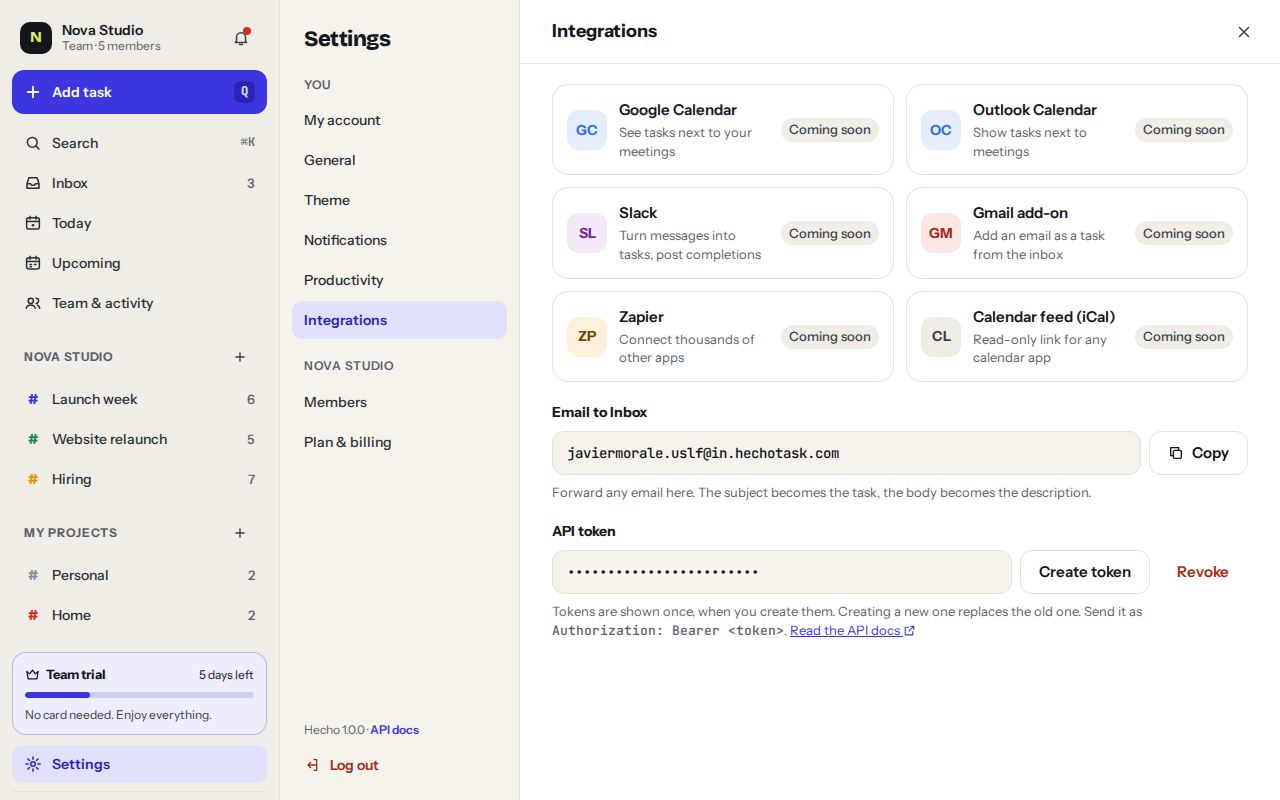
- Go to IntegrationsSettingsIntegrationsAPI token
- Click Create tokenCopy it right away. For your safety it’s shown only once.
- Send it with every requestPut it in the Authorization header as a Bearer token.
curl https://hechotask.com/api/tasks?view=today \
  -H "Authorization: Bearer <your token>"
Every endpoint is described in the API docs.
Was this helpful?