Sub-tasks
Break a bigger task into steps and see how far along it is.
Sub-tasks split a task into smaller steps. The parent task shows how many are done, for example 2 of 3.
Sub-tasks2 of 3
Draft the agenda
Send invites
Book the room
Add sub-task
- Open the taskClick its title in any list or board.
- Click + Add sub-taskType the step and press Enter. Keep typing to add the next one.
- Tick them offComplete a sub-task with its circle. The counter on the parent updates everywhere.
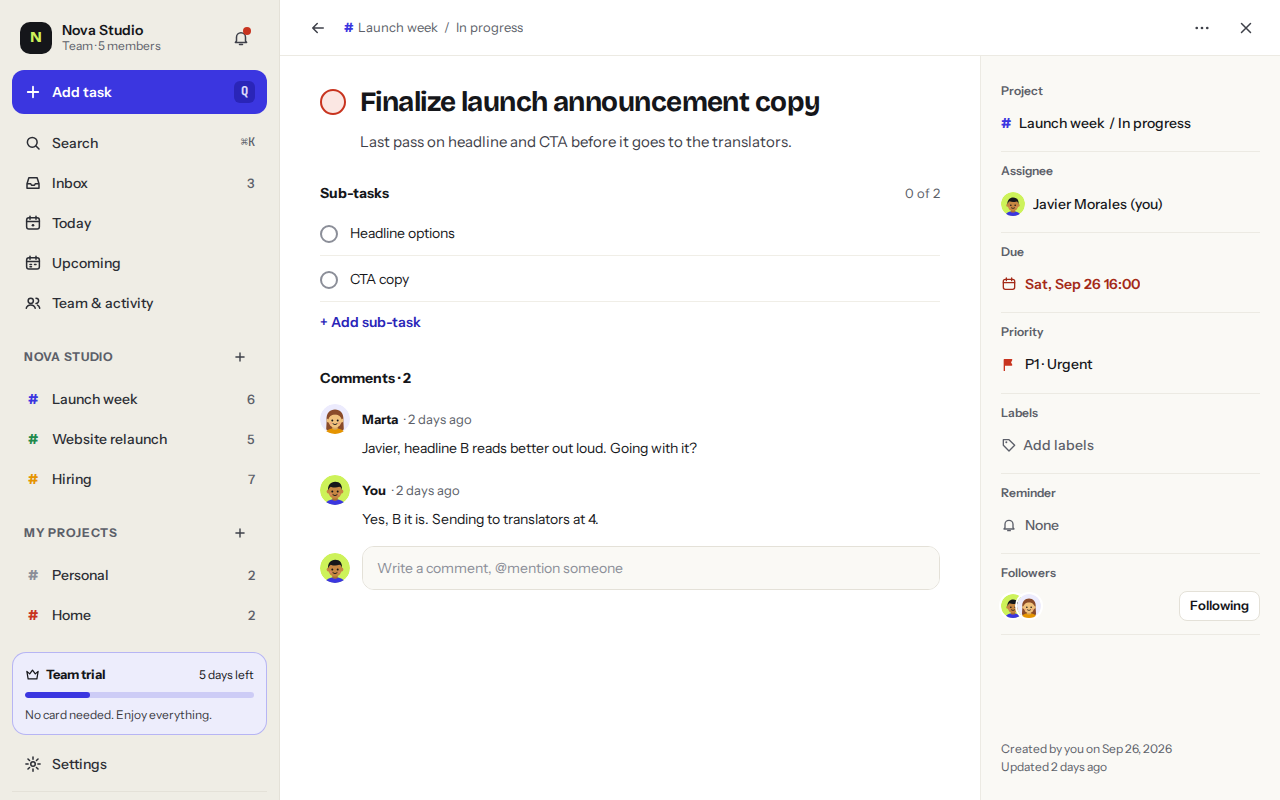
- Sub-tasks with the done counter.
- Comments from your team.
- Properties: project, assignee, due date, priority, labels, reminder and followers.
Was this helpful?