Create your account and start your 7-day Pro trial
Sign up in about a minute. Every new account gets 7 days of Pro, no card needed.
Hecho works on the web and on Android with the same account. Signing up takes about a minute and you don’t need a card.
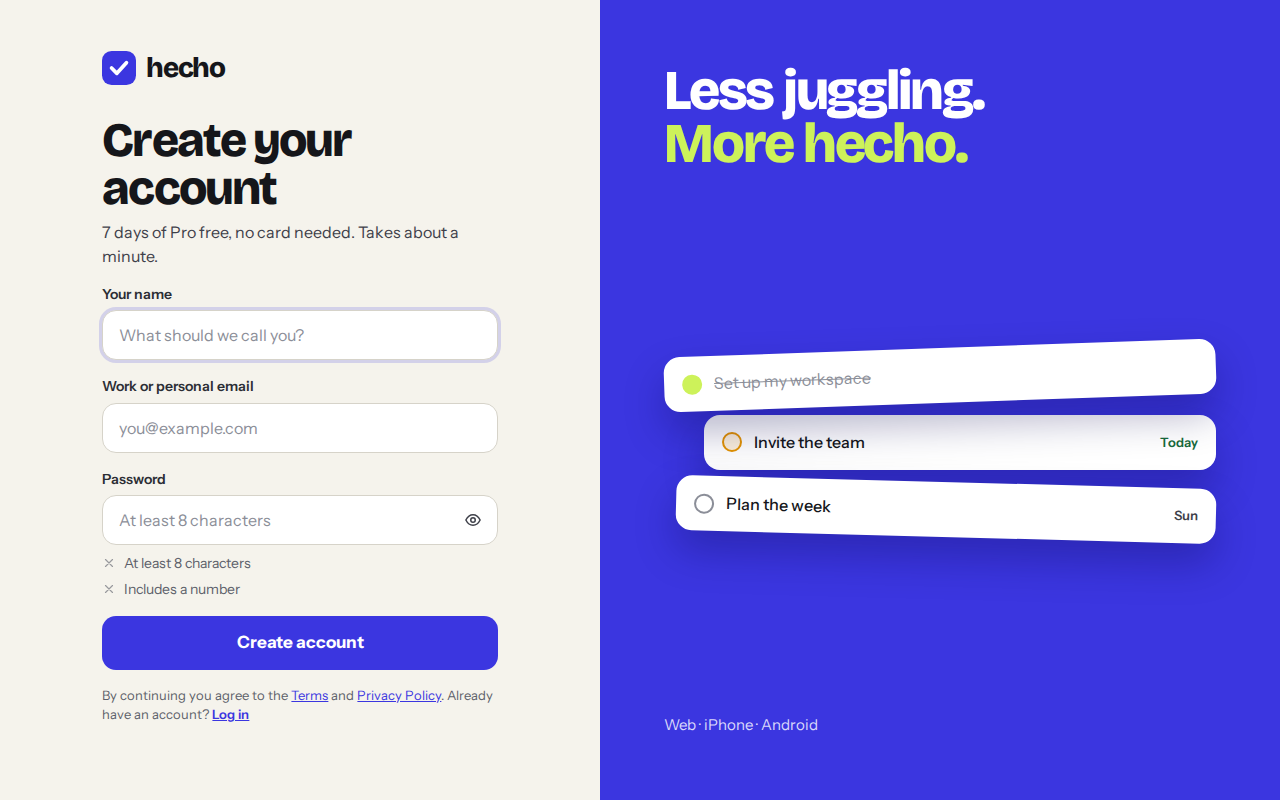
Sign up step by step
- Open the sign-up pageGo to hechotask.com and choose Start free, or open the Hecho app on Android.
- Tell us your name, email and a passwordUse at least 8 characters for the password, including a number. A short sentence works well.
- Confirm your emailWe send you a link. Open it to verify your address, so you can recover your account later.
- Pick how you’ll use HechoChoose an avatar, then decide if Hecho is just for you or for a team. You can change this later, and moving from solo to a team keeps all your tasks.
- Land in TodayThat’s it. Press Q to add your first task.
Your 7-day Pro trial
Pro switches on the moment you sign up and lasts 7 days. There’s nothing to cancel: when it ends you move to Free automatically and keep everything you created.
- Day 1You sign upPro is on right away. No card.
- Days 2–6Everything unlockedReminders, unlimited projects, attachments, colours.
- Day 7Last day of ProSubscribe in the app if you want to keep it.
- Day 8Free, automaticallyNo charge. Your tasks and projects stay.
Was this helpful?