Create your first project
Group related tasks in a project, start from a template and pick a list or a board.
Projects keep related tasks together, like a trip, a launch or your home. You can create personal projects just for you, or team projects everyone in the team can see.
- Click + next to My projects in the sidebarOr next to your team’s name to create it in the team.
- Name it and pick a colourThe colour shows next to the name everywhere, so related projects are easy to spot.
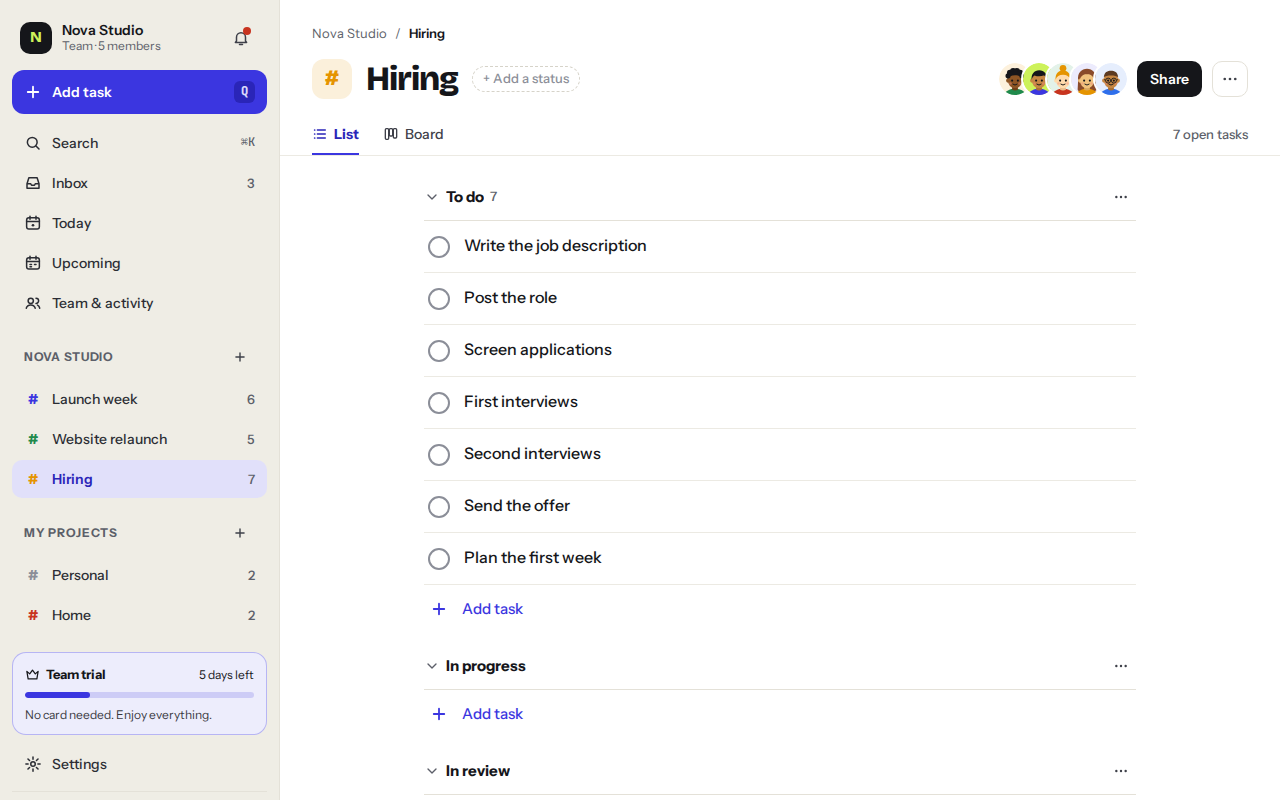
- Start from a template or a blank projectLaunch gives you 7 tasks from picking a date to the retro. Hiring gives you 7 steps from the job post to the first week.
- Choose a layoutList for simple checklists, Board for work that moves through stages. You can switch anytime.
Add tasks to it
Open the project and press Q: new tasks go straight into it. From anywhere else, type # and the project name in quick add.
Book flightsfri#Lisbon
Was this helpful?