Invite people and guests
Invite by email or with a link, and share single projects with free guests.
On this page
Owners and admins invite people from SettingsMembers.
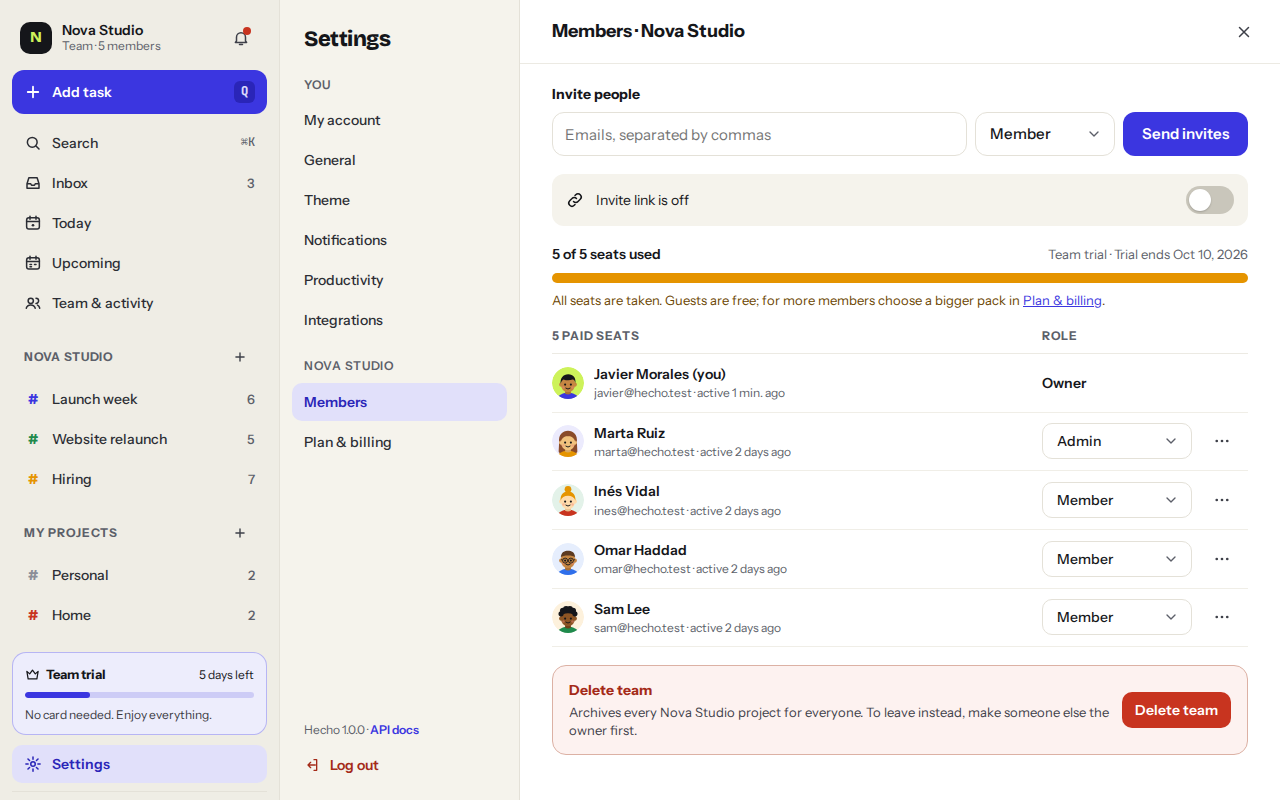
Invite by email
- Click Invite people
- Type their emails, separated by commas
- Pick a roleMember, Admin or Guest. For a guest, also pick the projects they can see.
- Send invitesThey get an email with a link to join. Pending invites can be resent or cancelled from the same page.
Invite link
Turn on the invite link and share it in your chat. You can limit it to emails from your domain, like @yourcompany.com. Reset the link anytime: the old one stops working.
Guests
Guests are perfect for clients and freelancers. They only see the projects you pick, can add, complete and comment on tasks there, and never take a seat. Guests are free and unlimited.
Was this helpful?