Keyboard shortcuts and search
Q to add, ⌘K or / to search, and a few more to fly through Hecho.
On the web you can do almost everything from the keyboard.
QAdd a task from anywhere in the app
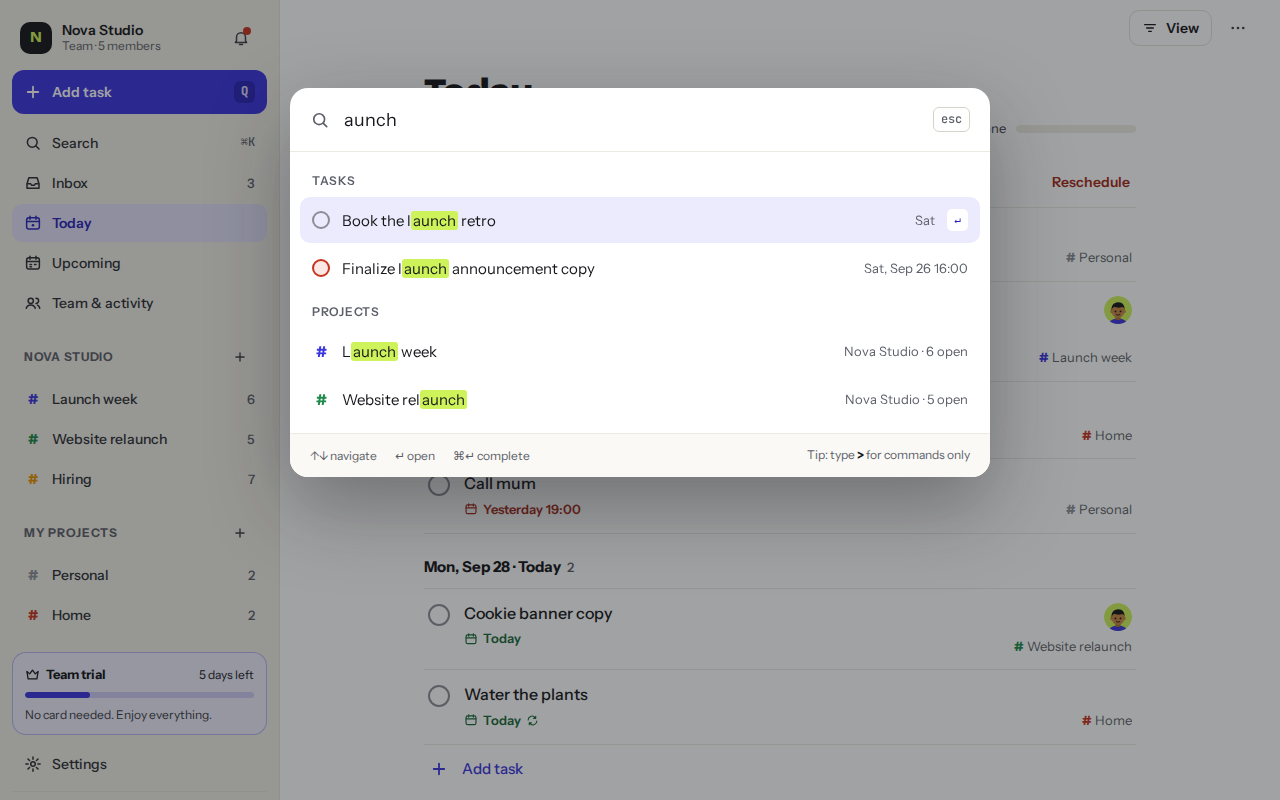
⌘ K / Ctrl KSearch tasks, projects, people and commands
/Search too, with one key
EscClose a dialog, menu or the task you opened
↑ ↓Move through lists, results and menus
↵Pick the highlighted option, or add the task
⌘ ↵In quick add: add the task and keep the box open for the next one
⌘ ↵In search: complete the highlighted task
⇧ ↵In a comment: start a new line
Search and commands
Press ⌘K or / to search tasks, projects, labels and people. Type > first to see commands only, like Go to Upcoming or New project.
Was this helpful?