Your Inbox
The place where new tasks land when you don’t pick a project. Sort it out later.
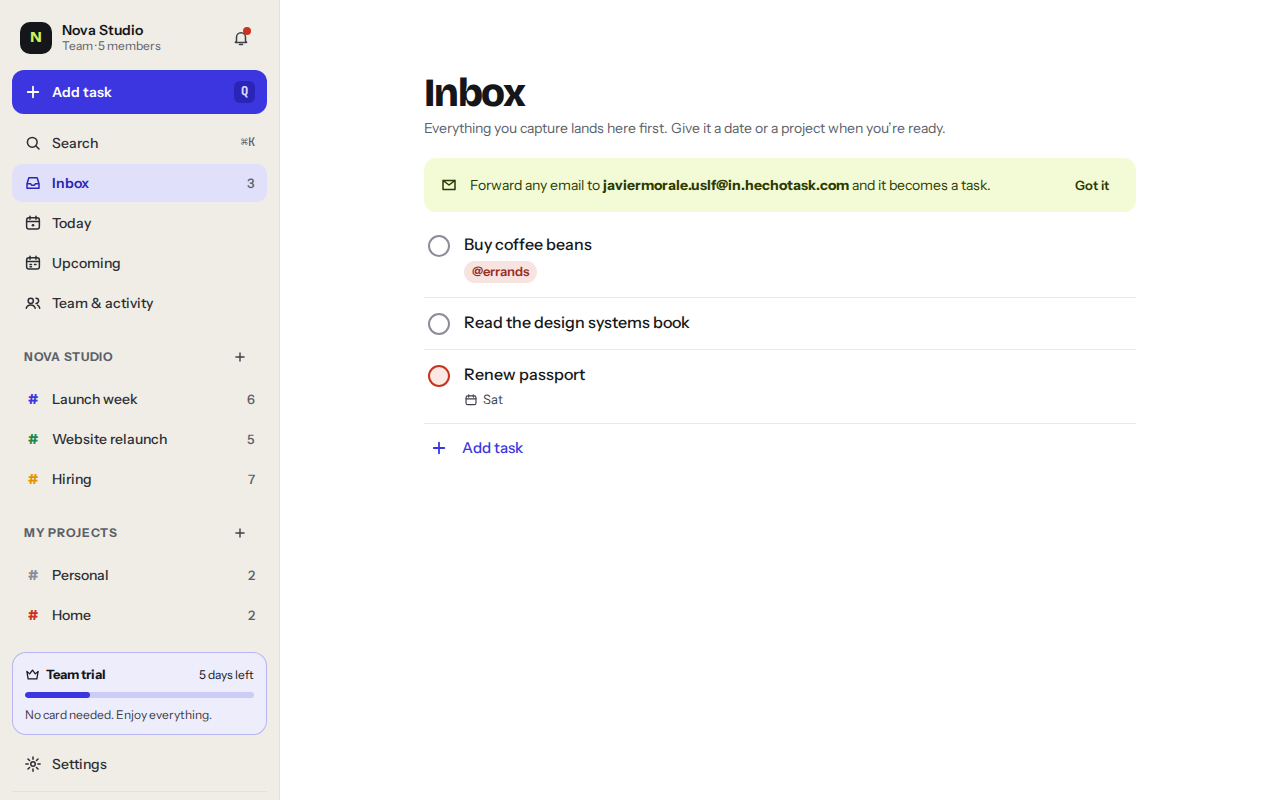
Everything you capture lands in the Inbox first, unless you name a project. Give it a date or a project when you’re ready.
Ways to capture
Press QType the task and press Enter
Forward an emailIt becomes a task
InboxSort it when you have a minute
Your Inbox has its own email address. Forward any email to it and the subject becomes the task, while the body becomes the description. Find the address in SettingsIntegrationsEmail to Inbox.
Sorting your Inbox
Open a task to give it a date, a priority or a project. When you move it to a project it leaves the Inbox. Aim for Inbox zero once a day.
Was this helpful?